





How to join CF Rewards
Reference the images below for a step-by-step walk through of registering for CF Rewards. Be sure to register using the email on file with your Club Fitness membership.
Click on an image to enlarge it.
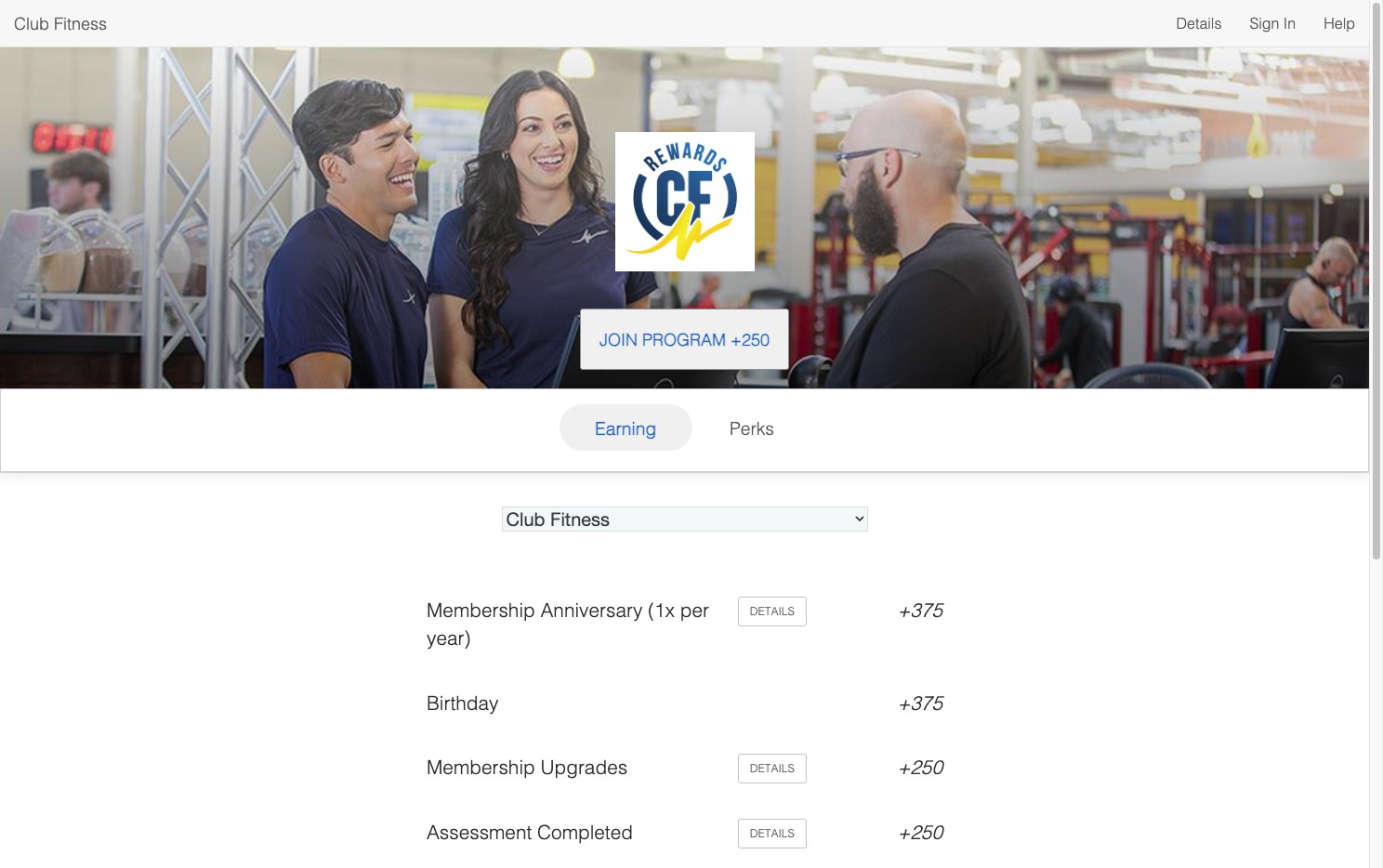
Click "Join Program +250"
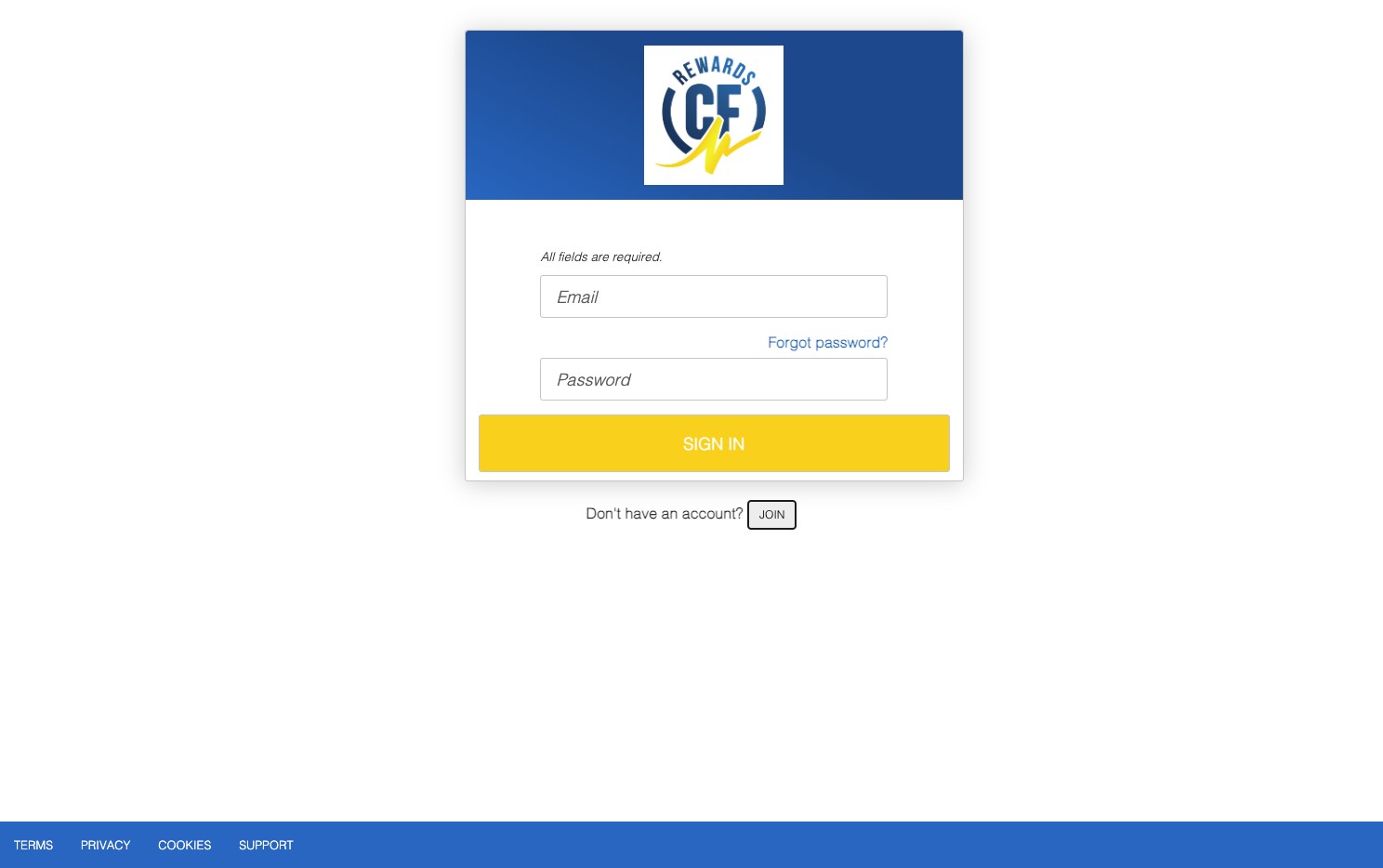
Click "Join"
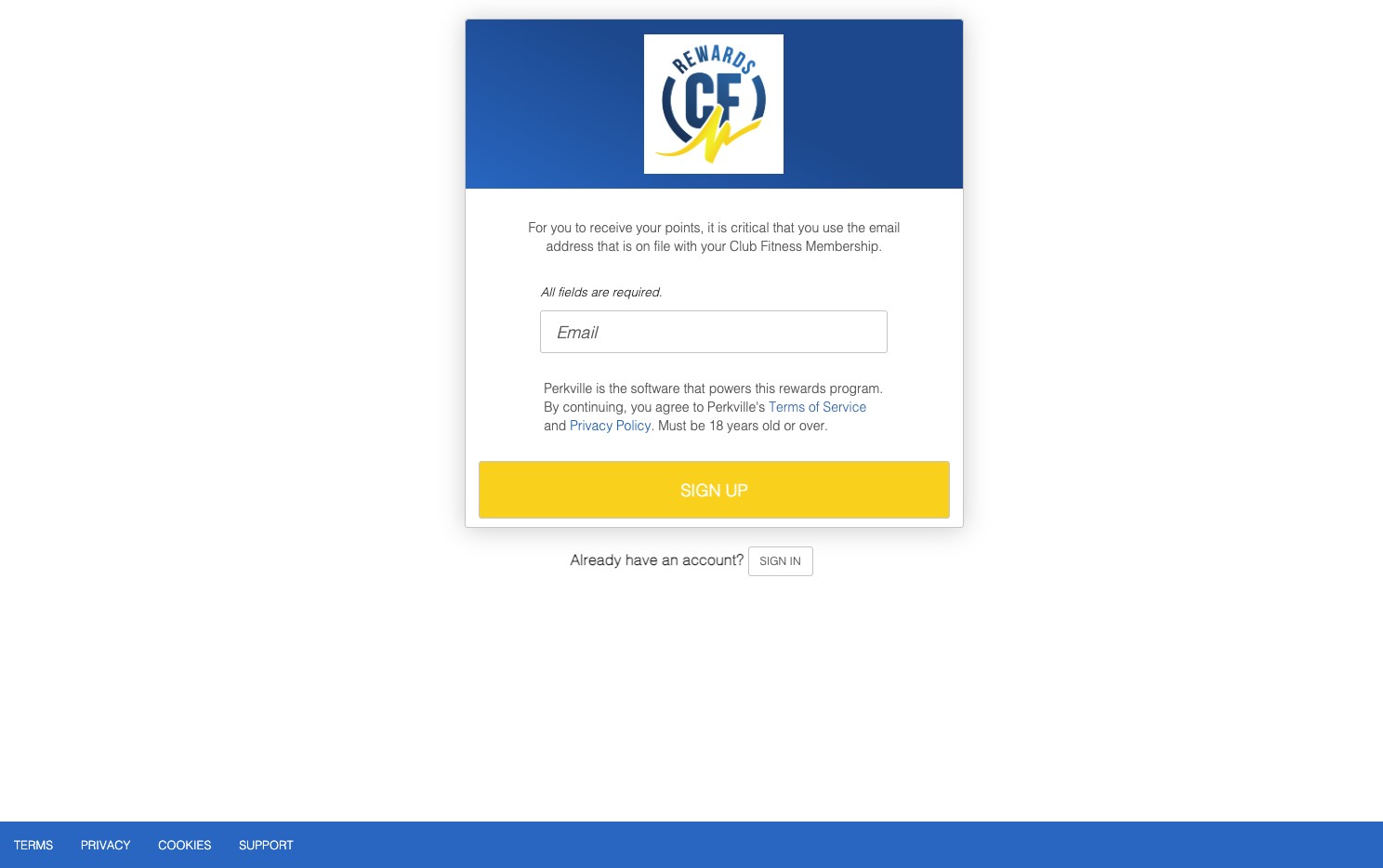
Click the "E-mail address *" field.
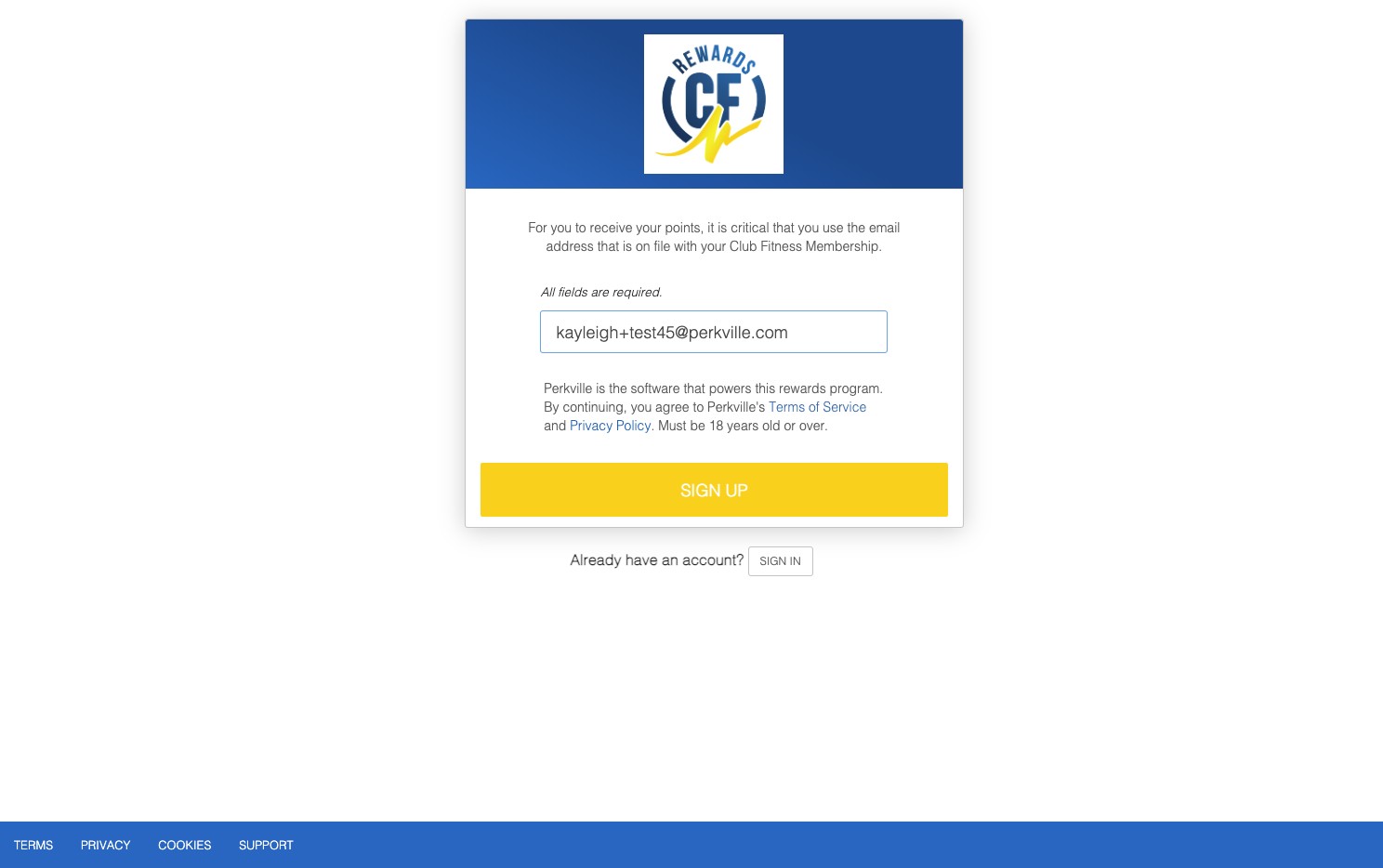
- Enter your Email Address
- Click SIGN UP
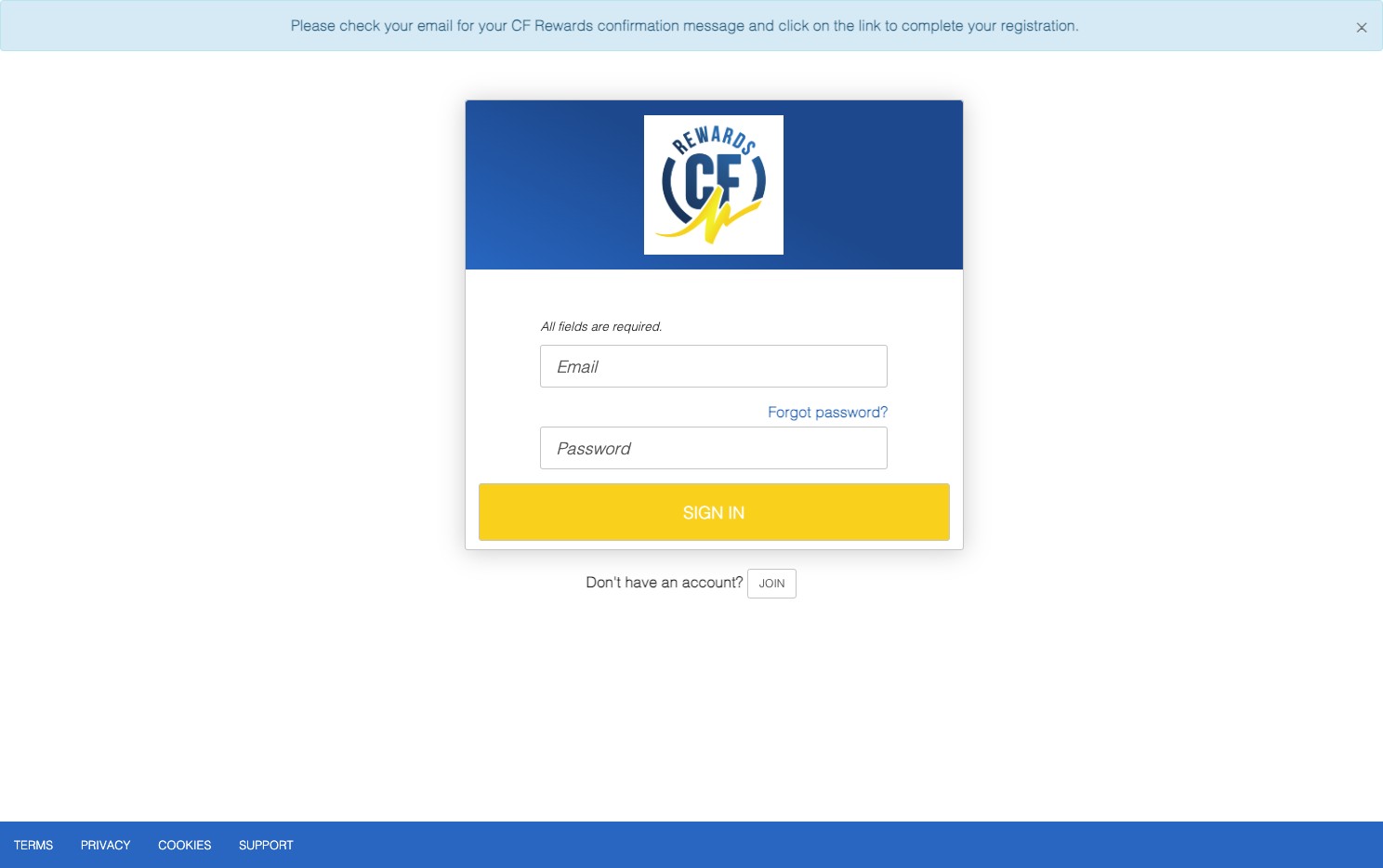
- At the top, you will see a message letting you know to check your email.
- Open your Email and Click "Complete Registration" to confirm your email address. This will take you back to the sign up page to enter your information.
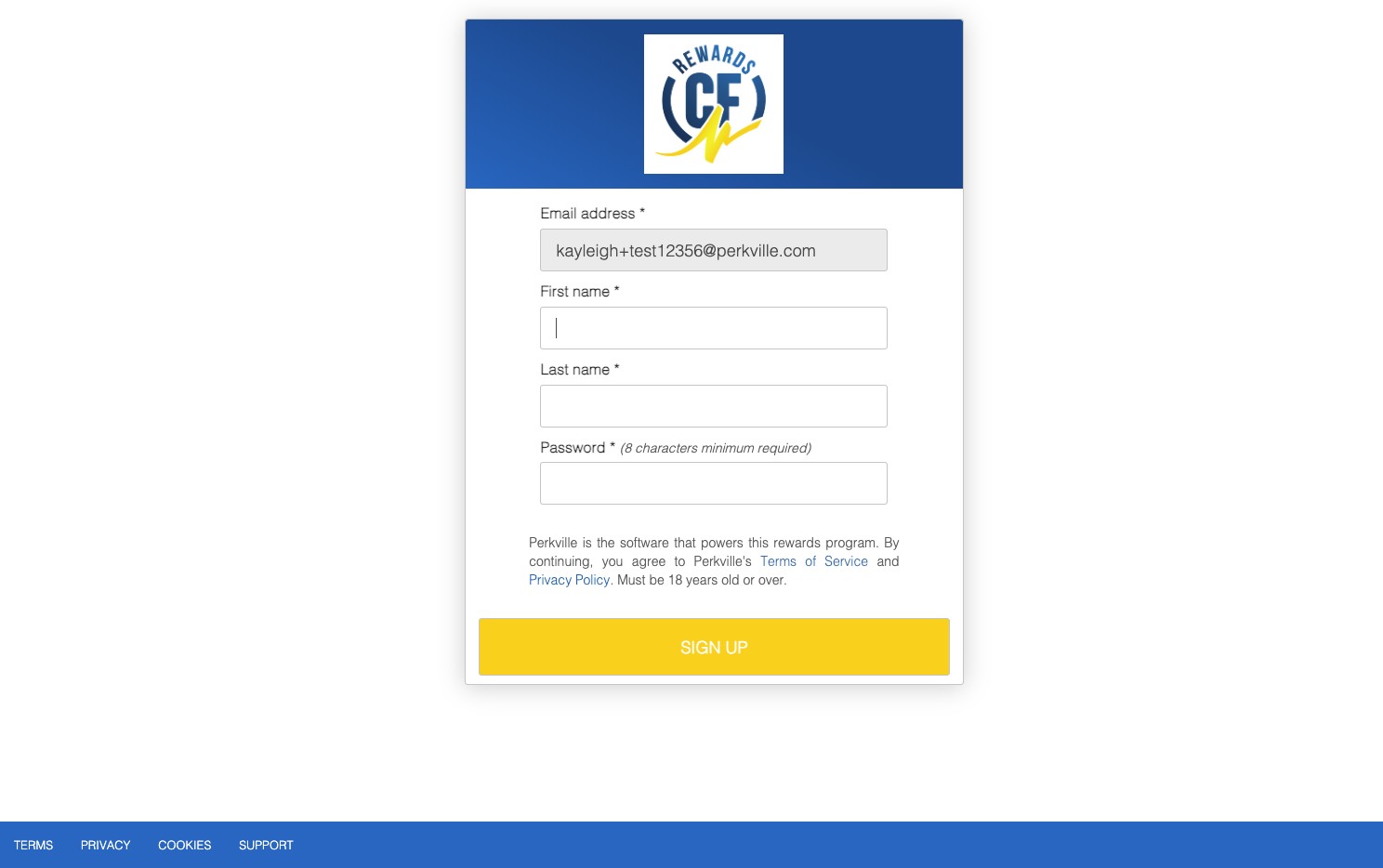
Enter your information in the following fields.
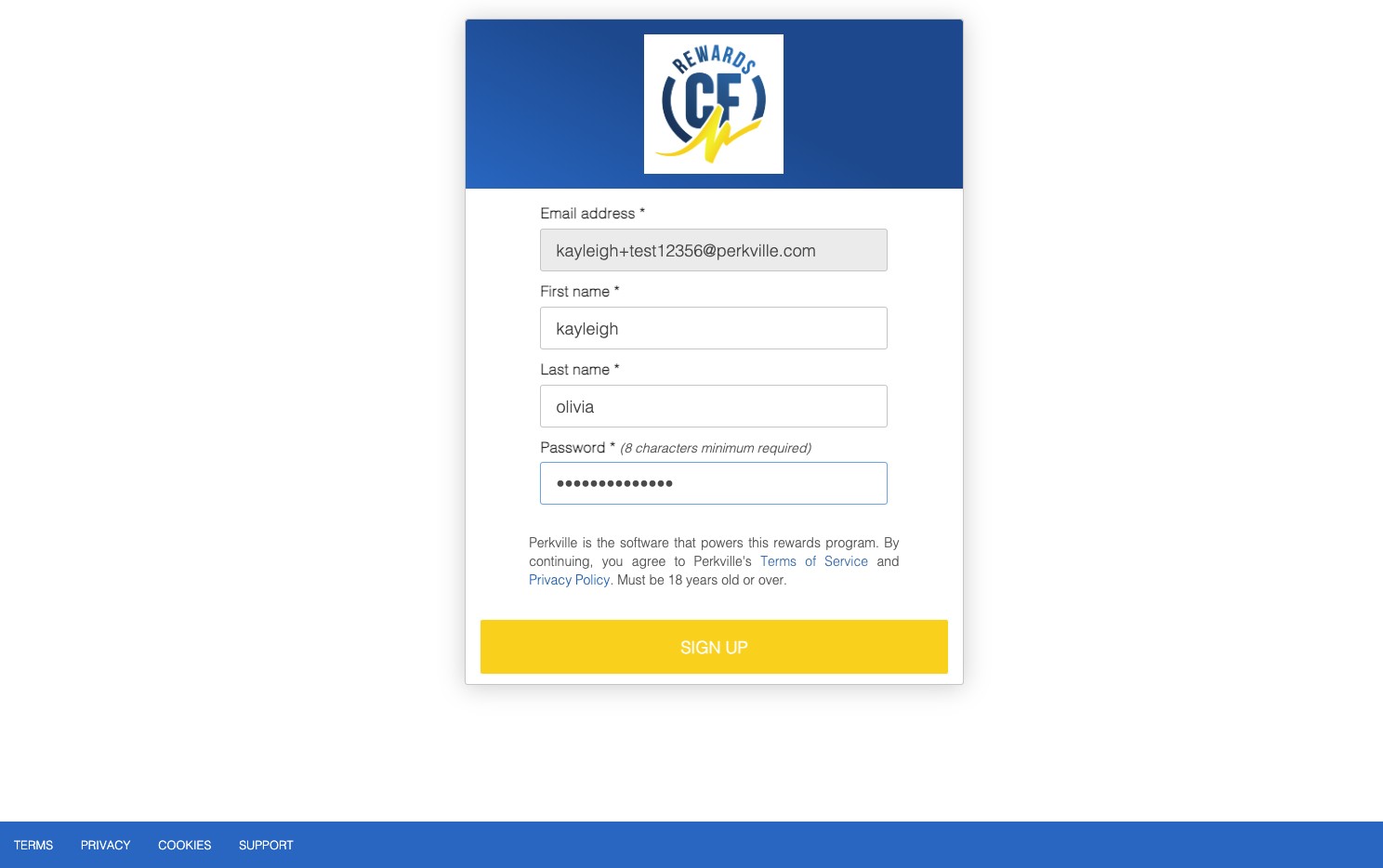
Click SIGN UP
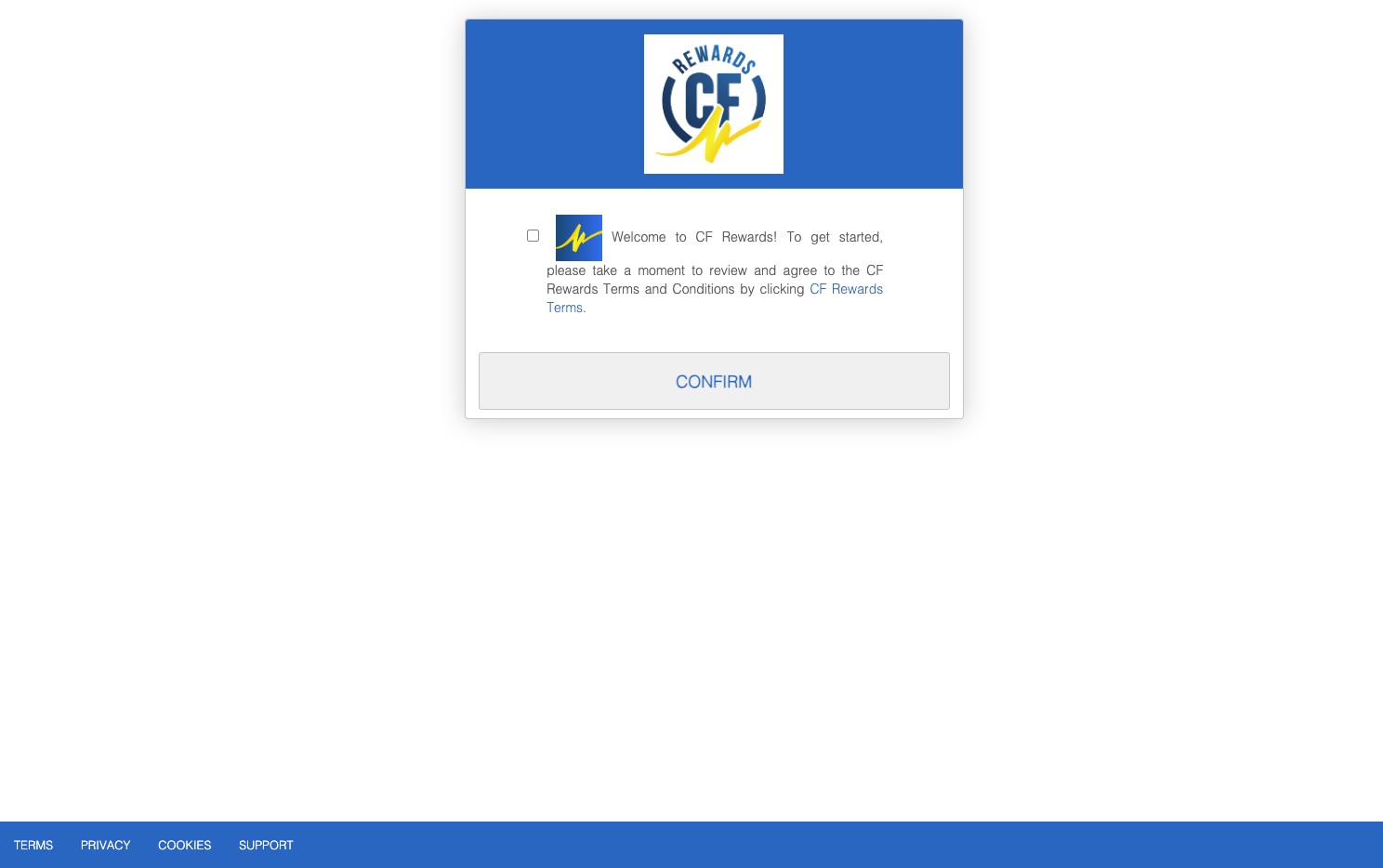
Check the fields that says "Welcome to CF Rewards! To get started, please take a moment to review and agree to the CF Rewards Terms and Conditions by clicking CF Rewards Terms.".
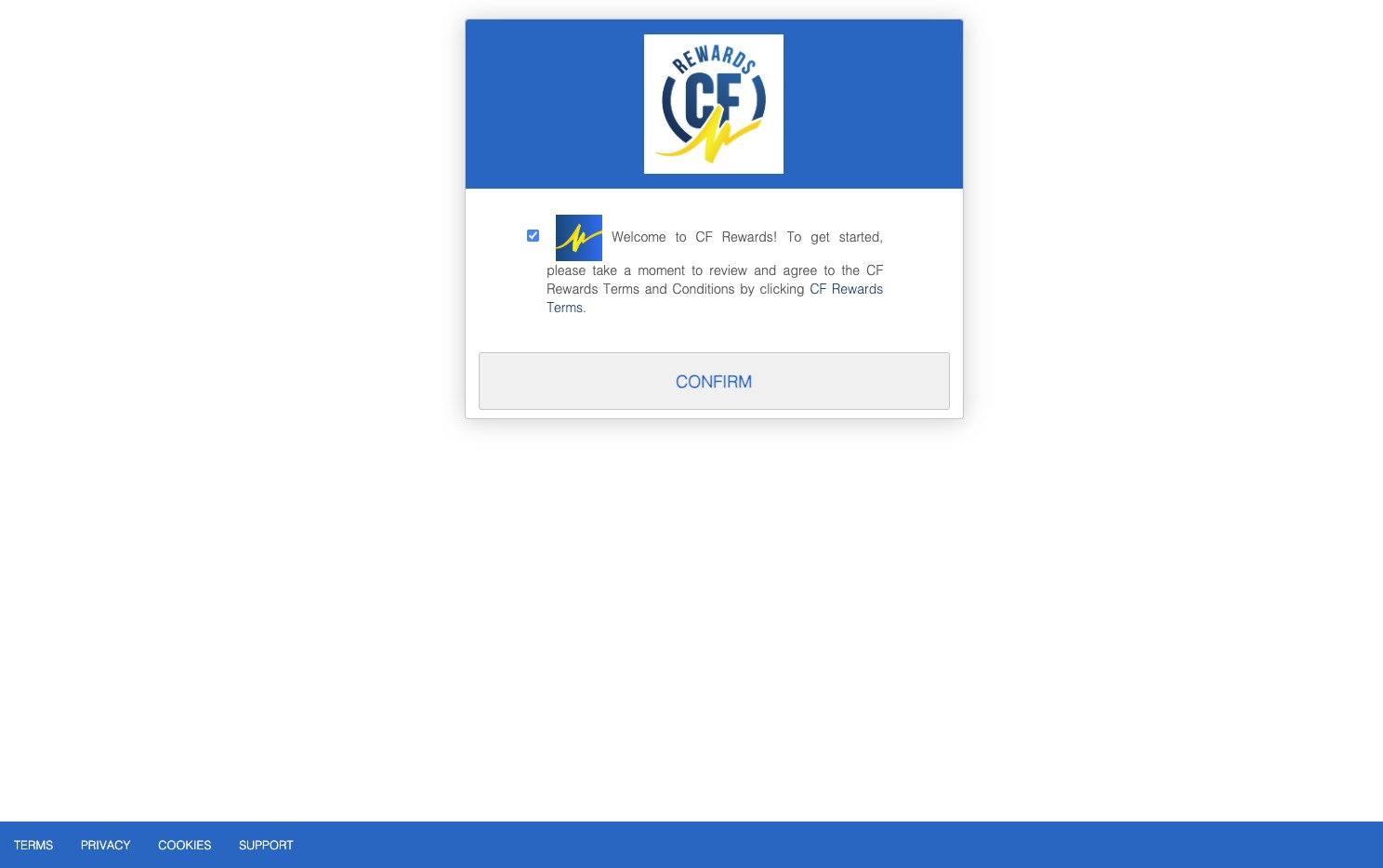
Click "CF Rewards Terms"
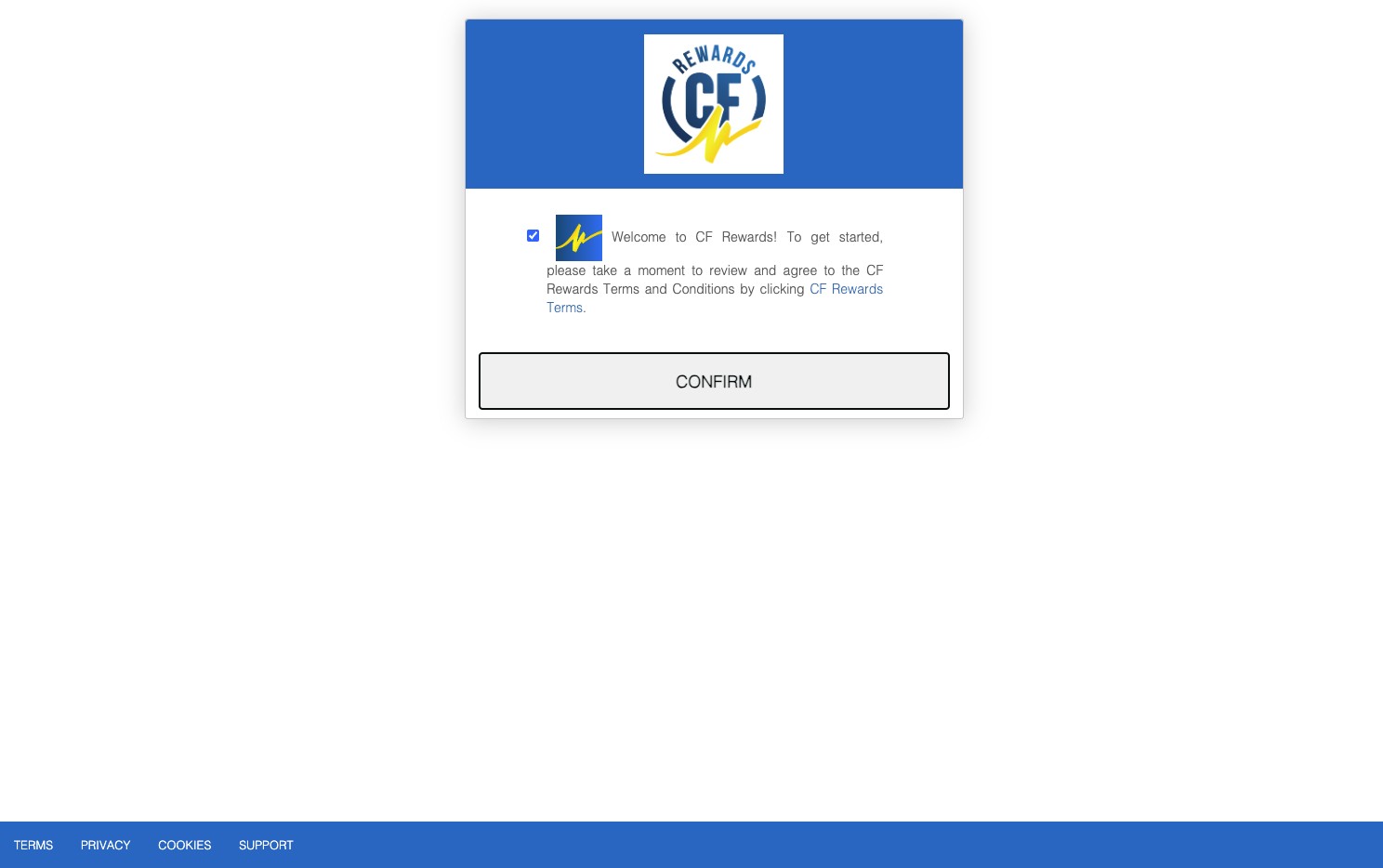
Click "Confirm"
Congratulations! You are all signed up.