

YOUR NEW CLUB APP
MyClub+
Improved reliability. Enhanced Security. A Simpler experience.
Downloads open October 29
App Store and Google Play links will be added to this page on October 29. Continue using your current Club Elite + app through November 3rd at 6:59 am.
Begin using November 3
Required for club check-in and access to studios and amenities beginning at 7:00 am.

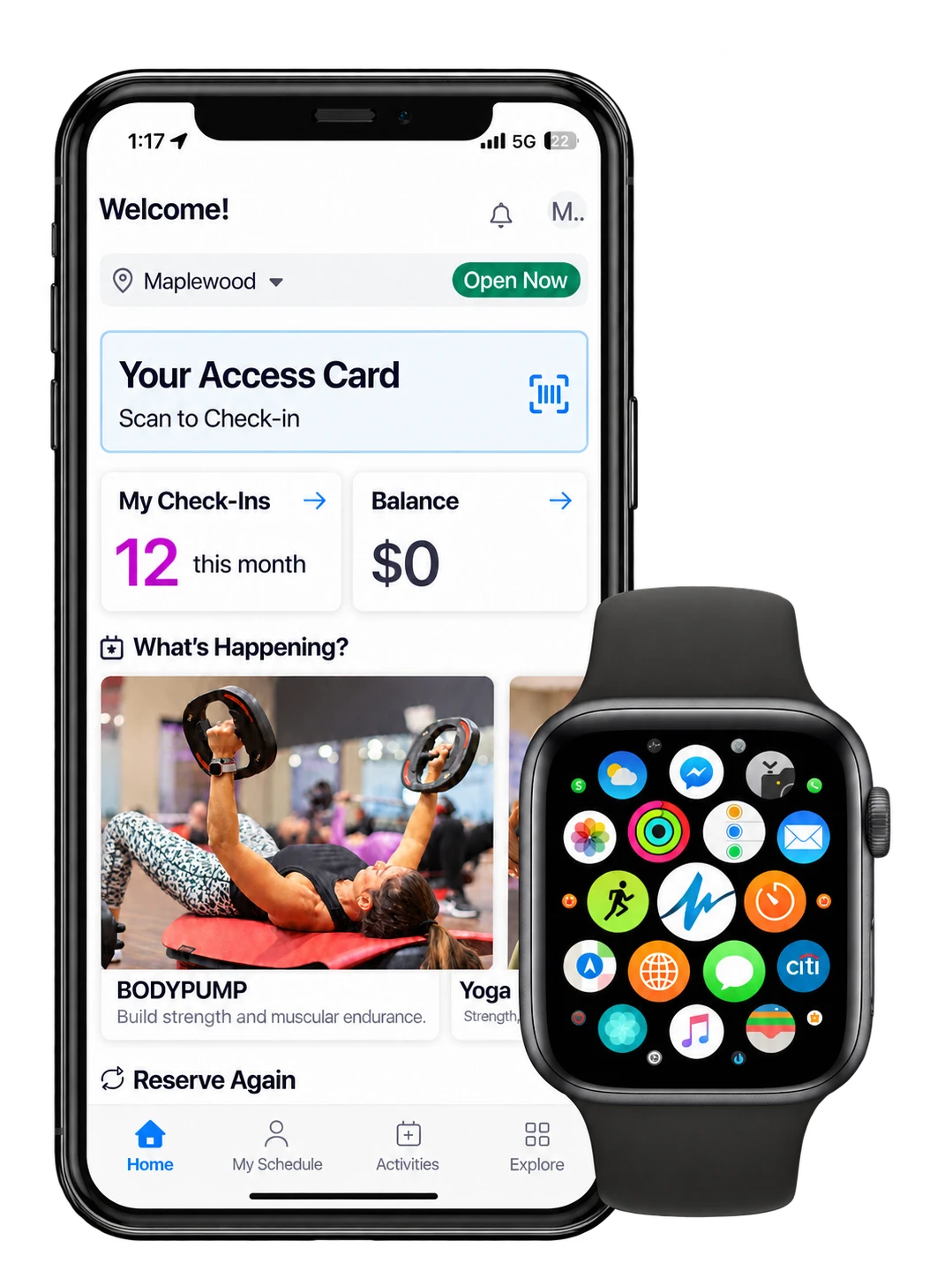
MyClub+
Download & Account Setup
Follow these steps starting October 29.

Important: before you begin
To connect your membership to MyClub+, you must use the exact first name, last name, and email address on file with your club membership.
All three must match exactly. If any information does not match, your account will not connect correctly to your membership
Download MyClub+
Sarting October 29, use the App Store or Google Play links below to download and open MyClub+.


Create your account
Locate the email sent by Club Fitness / Club Elite the morning of October 29, 2026. Use the first name, last name, and email address listed in that email to create your app account.
Can’t find the email? Ask a team member to look up your membership and provide the exact first name, last name, and email address on file.

Verify your email
A verification code will be sent to the email address on file with your membership. Enter that code in the app to complete your account setup.

Additional information
Enter your contact information, emergency contact, and sign your waiver.

You're all set!
Begin using MyClub+ on November 3 at 7:00 am to access the club and check into amenities and studios. Continue using the current Club Elite + app until November 3 at 6:59 am.

Frequently Asked Questions
When can I download MyClub+?
When do I need to start using MyClub+?
How do I create my MyClub+ account?
Create your account using your first name, last name, and email address exactly as they appear on your membership account. If the first name, last name, and email do match identically, the membership account will not connect to MyClub+.
What if MyClub+ cannot find my membership?
Can I keep using the current Club Elite+ app?
What can I use MyClub+ for?
Can Elite Wellness members reserve amenities in MyClub+?
How far in advance can I reserve an Elite Wellness amenity?
Which amenities can be reserved in the app?
Where can I get help using MyClub+?
Your club team can help with account setup and access questions. Quick tutorials will also be available for creating an account, navigating the home screen, and navigating the profile tab